






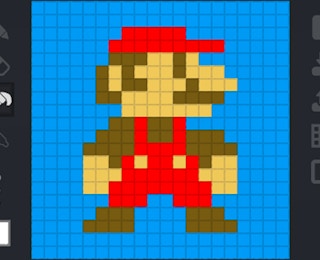
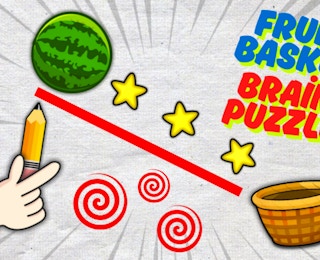
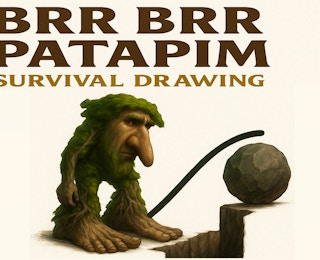
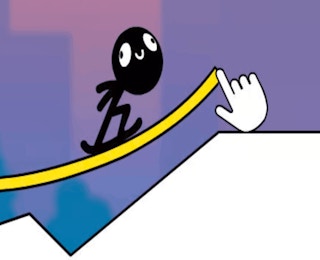
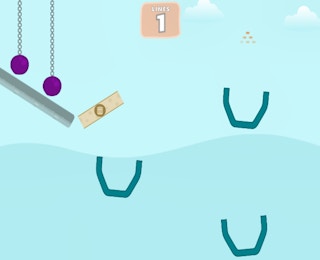

In Draw Line: Puzzle Master, you solve each level by sketching a path to victory. The game presents a drawing puzzle, and your job is to create a line that completes the required route. The controls are intentionally simple, so most of the challenge comes from reading the level and choosing the right path.
When a level begins, take a moment to look at the full play area. Identify where your line should start, where it needs to end, and any spaces that may limit your movement. Then draw the path with a steady hand. Because the game is a drawing puzzle, the shape of your line matters: a direct route may work in one level, while another level may require a curved or indirect path.
You do not need to memorize complicated rules. The main loop is to observe the puzzle, draw the line, and check whether the path solves the level. If the line does not work, try again with a different route.